
Why server rooms overheat faster than most people expect
A server room can look calm on the outside and still be under stress inside. A few racks, a UPS, a router cabinet and a poorly placed aircon unit can push temperatures up quickly, especially in Cape Town’s hotter summer weeks or when a building loses power and the cooling unit has to restart under load.
Heat is only part of the problem. Poor ventilation lets warm air sit above the equipment, while dust from nearby workshops, road traffic or open doors can clog filters and reduce airflow. In a small room, even one failed fan can create a hot spot that cooks a switch or power supply before anyone notices.
- Rear exhaust air recirculating back into the intake
- Blocked return air grilles or dirty filters
- Aircon set too high for a packed equipment room
- Units installed without enough clearance around the top and sides
What heat spikes do to equipment in real terms
Most IT and telecom equipment can handle a working range, but repeated spikes shorten its life. Hard drives, network switches, controllers and battery systems all dislike sudden changes in temperature. The issue is not only failure on the day, but the wear that builds up over months. Fan motors run harder, insulation dries out and boards are exposed to extra stress.
In a Cape Town office, we often see cooling complaints after a change in occupancy. A room that was fine for two staff members becomes a problem once extra printers, servers and backup equipment are added. If the cooling was sized for the old load, it will struggle once summer arrives or once load-shedding causes repeated restarts. That is when alarms begin and the room starts to cycle too often.
- Unexpected shutdowns during peak heat
- Reduced battery backup life
- Corruption of data or failed backups after power interruptions
- Higher repair costs from repeated thermal stress
Common cooling mistakes we see in Cape Town buildings
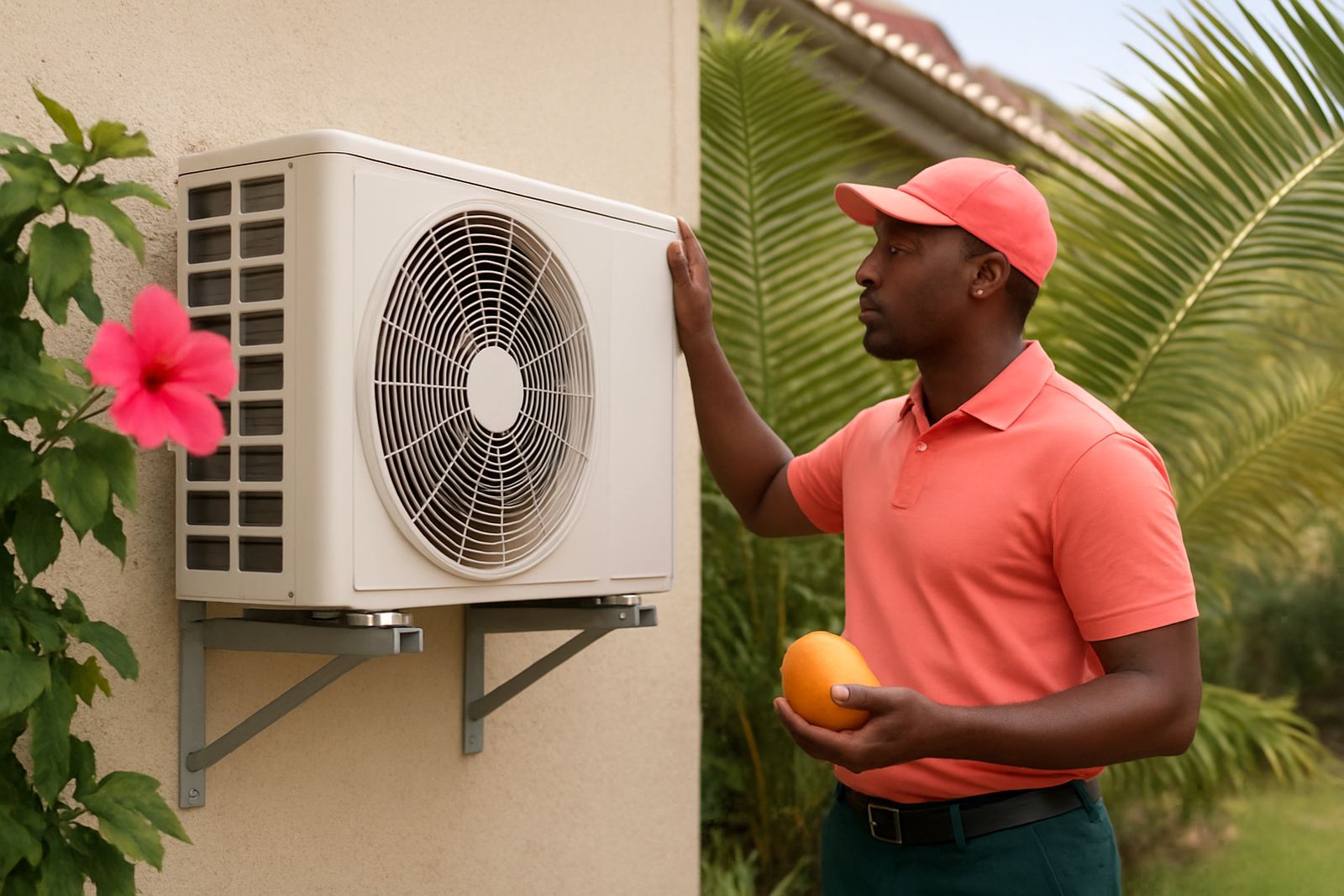
Many cooling problems come from the way the room was set up, not from a major breakdown. A wall-mounted unit facing the wrong direction can blow cold air into the corridor while the hottest rack sits in a dead zone. In other cases, the thermostat is mounted too close to the outlet air and switches off too early, leaving the rest of the room warm.
We also come across rooms where maintenance has been left too long. Dust build-up, low gas, weak fan motors and blocked drainage all affect performance. Along the coast, moisture can add another layer of trouble, especially where salt air enters through open doors or poorly sealed windows.
- Single aircon unit carrying the full load with no back-up
- Thermostat placed where it reads cold air, not room air
- Condensate drain blocked and water pooling near cabling
- Loose electrical connections after repeated outages
A Milnerton example that shows how quickly problems grow
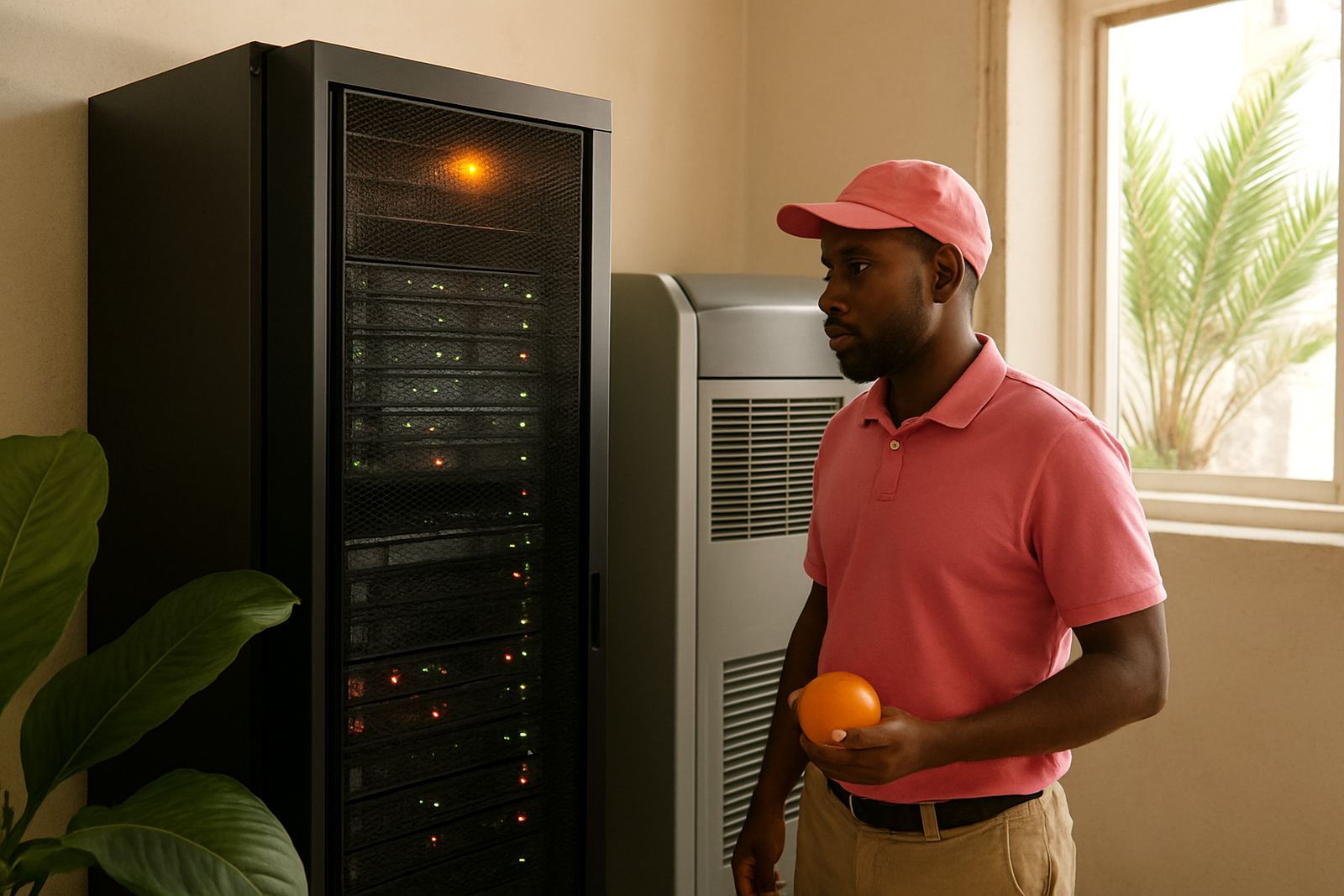
A small office in Milnerton called after its server room started tripping late in the afternoon. The room had one ageing aircon unit, two racks and a printer area nearby. On paper it looked manageable, but the door stayed open during the day and the filter had not been cleaned in months. Once the afternoon sun hit the building, the room temperature climbed and the system could not recover.
The first sign was not a full breakdown. Staff noticed the fans sounding louder and the cabinet felt hot to the touch. After a service visit, the issue was traced to weak airflow, low gas and poor room circulation. Once those faults were fixed, the room stabilised. It was a simple case, but if the problem had carried on, the office could have faced a full shutdown and expensive lost time.
That is the pattern in many Cape Peninsula buildings. The warning signs come early if people know what to look for, and they are usually cheaper to deal with than the failure that follows.
Practical steps to reduce cooling risk before the next heat wave
Server room protection is mostly about consistency. You want steady temperatures, clear airflow and regular checks before the room gets stressed. In Cape Town, that matters even more because summer heat, load-shedding and sudden restarts can all happen in the same week. A room that is barely coping in May can fail in January.
Basic discipline goes a long way. Keep the room closed, keep filters clean and make sure no boxes, cleaning materials or spare stock are blocking the air path. If the room has more than one heat source, check whether the current unit is still the right size. A technician should also look at drainage, gas levels and compressor operation, because a small refrigerant loss can cause poor cooling long before the unit stops working.
- Test cooling output before summer, not after the first hot spell
- Confirm the thermostat reads the actual room temperature
- Clean filters and check condenser coils on a set schedule
- Plan for outage recovery, including restart checks after load-shedding
When to call for repairs instead of waiting it out
If the room is already getting hot at certain times of day, do not wait for a full failure. Fast action matters when you hear unusual fan noise, smell hot dust, see water near the unit or notice the aircon running non-stop. Those are signs the system is working too hard or losing efficiency.
For businesses in Cape Town CBD, Montague Gardens, Bellville, Claremont, Somerset West and Fish Hoek, a quick inspection can prevent a bigger interruption. We handle aircon repairs, gas refills, leak detection, compressor replacement and thermostat faults, so the cooling side can be sorted before the equipment side is damaged. For a server room, that timing matters. Every hour of poor cooling adds risk.
Server rooms do not forgive guesswork. If the cooling is weak, unstable or overdue for service, it is better to deal with it early and keep the room under control.